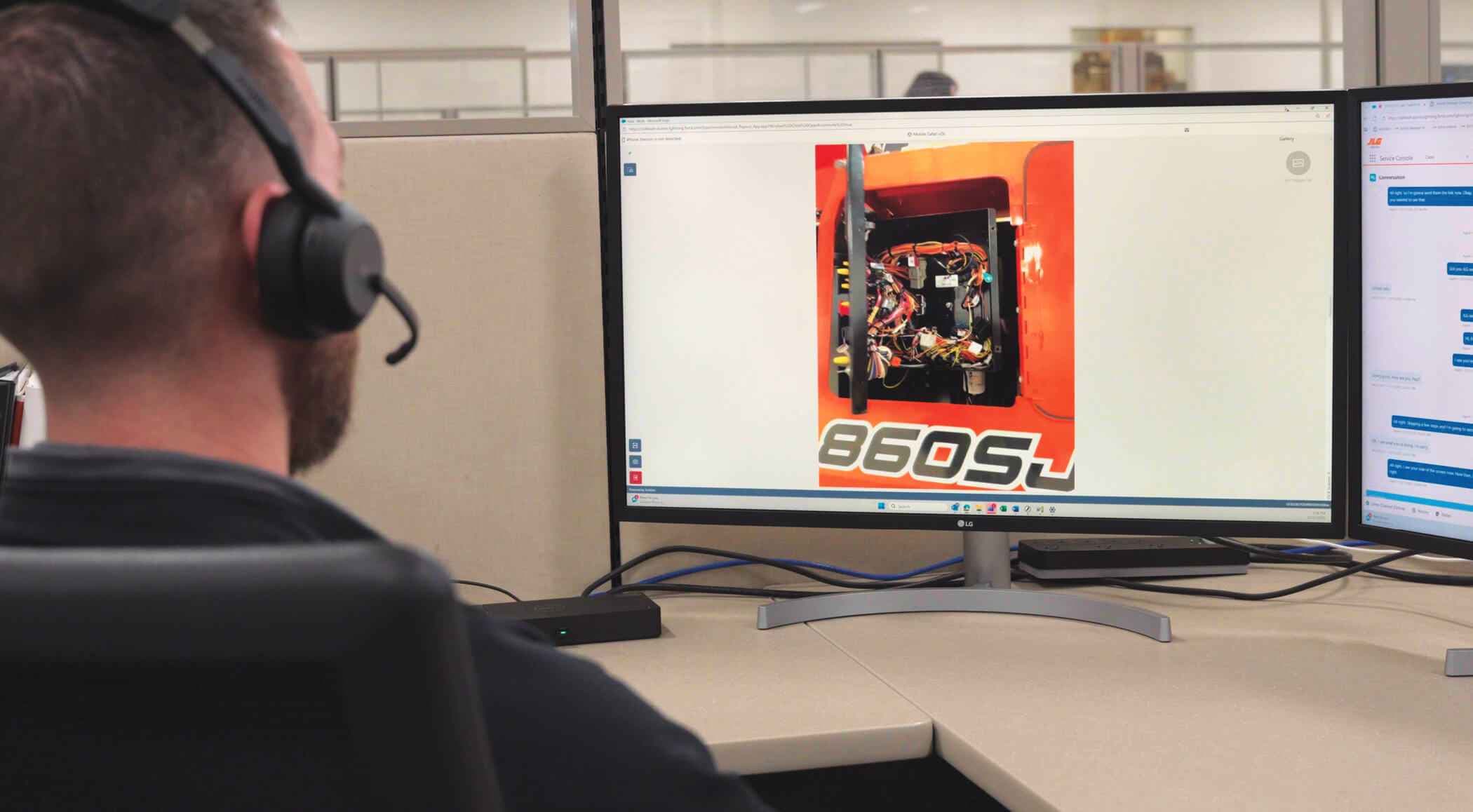
Recently, a technician working on a JLG 860SJ boom lift encountered a platform code 662 indicating lost communication to the platform controls. The issue initially appeared difficult to diagnose remotely because the machine would operate normally in ground mode, but the platform controls were not functioning, creating uncertainty about the root cause.
While situations such as this are common in field service, they often require several and often time-consuming troubleshooting steps. Without direct visual access to the machine, technicians and support teams must rely on verbal descriptions, or written instructions sent via email or SMS message showing illustrations and possible locations of components and connections, all of which can lead to delays.
In this case, the technician faced additional challenges, including difficulty identifying wiring harness connections and internal console components, a situation that can occur when equipment markings wear off over time or when machine configurations vary.
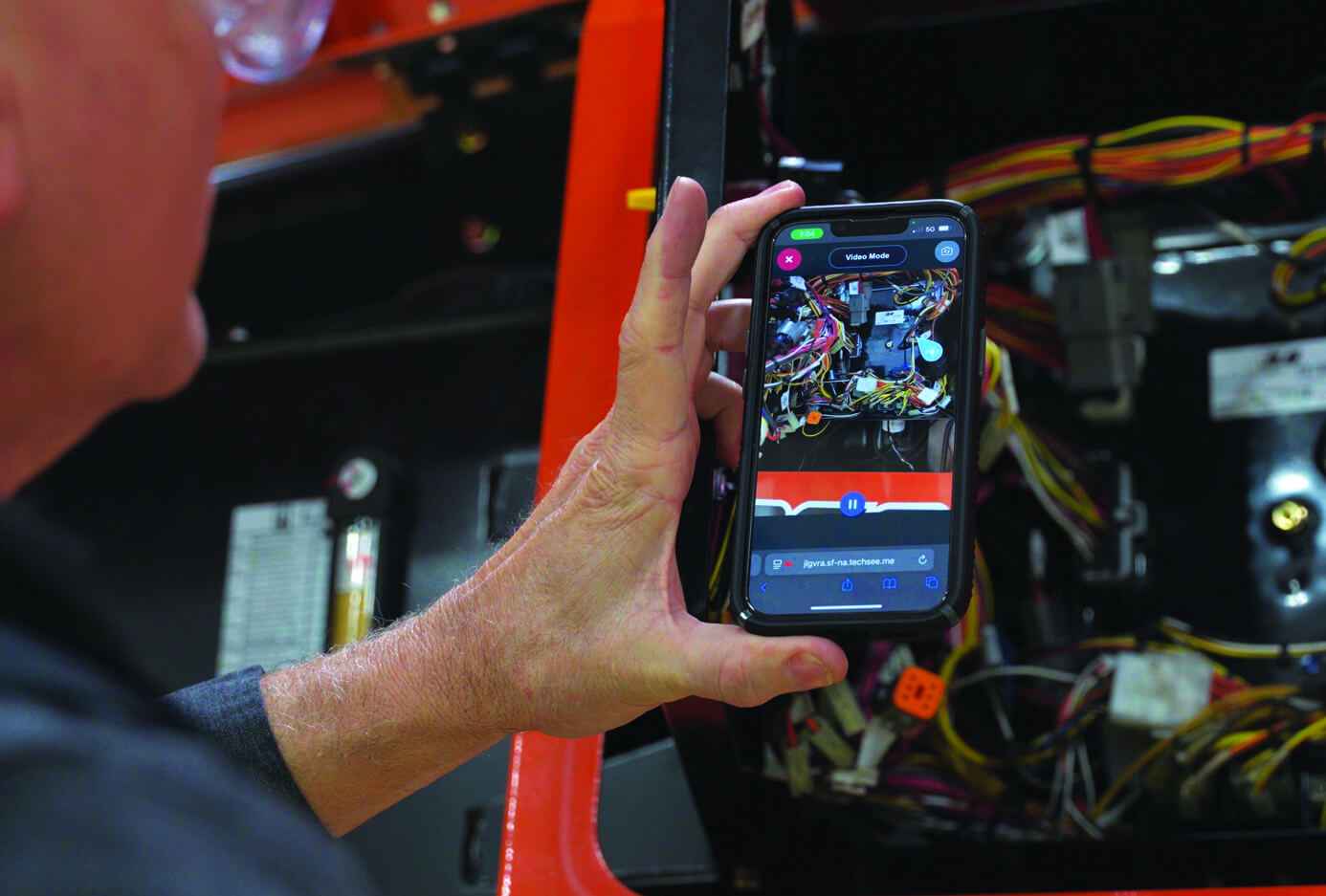
Through guided testing and inspection, however, a support specialist directed the technician to:
By visually confirming each step, the technical support agent helped narrow the issue to a connection inside the console box between the platform module and boom cable that appeared secure but was not fully seated. After rechecking and securing the connection, the technician reassembled the console, power cycled the machine and confirmed full platform functionality was restored. The repair was completed without requiring additional service, component replacement or extended downtime.
Beyond Phones
While traditional phone-based troubleshooting has long been the backbone of equipment support, it doesn’t always provide the clarity technicians need when diagnosing issues in the field. Anyone who has worked through a technical support call knows the challenges of explaining what you see on a machine and translating verbal instructions into physical actions.
Many equipment issues stem from small but critical details such as a loose connection, a misaligned plug or difficulty identifying the correct component. These types of problems can be difficult to resolve over the phone.
The JLG Visual Remote Assistant changes that dynamic. With Visual Remote Assistant, JLG technical support experts can launch a live visual session with a technician using a smartphone or mobile device. After receiving a secure link via text or email, technicians simply tap to connect, without needing downloads or additional apps.
Once connected, JLG support specialists can see exactly what the technician sees and guide troubleshooting in real time. This visual collaboration can eliminate guesswork and helps technicians pinpoint issues faster and more accurately.
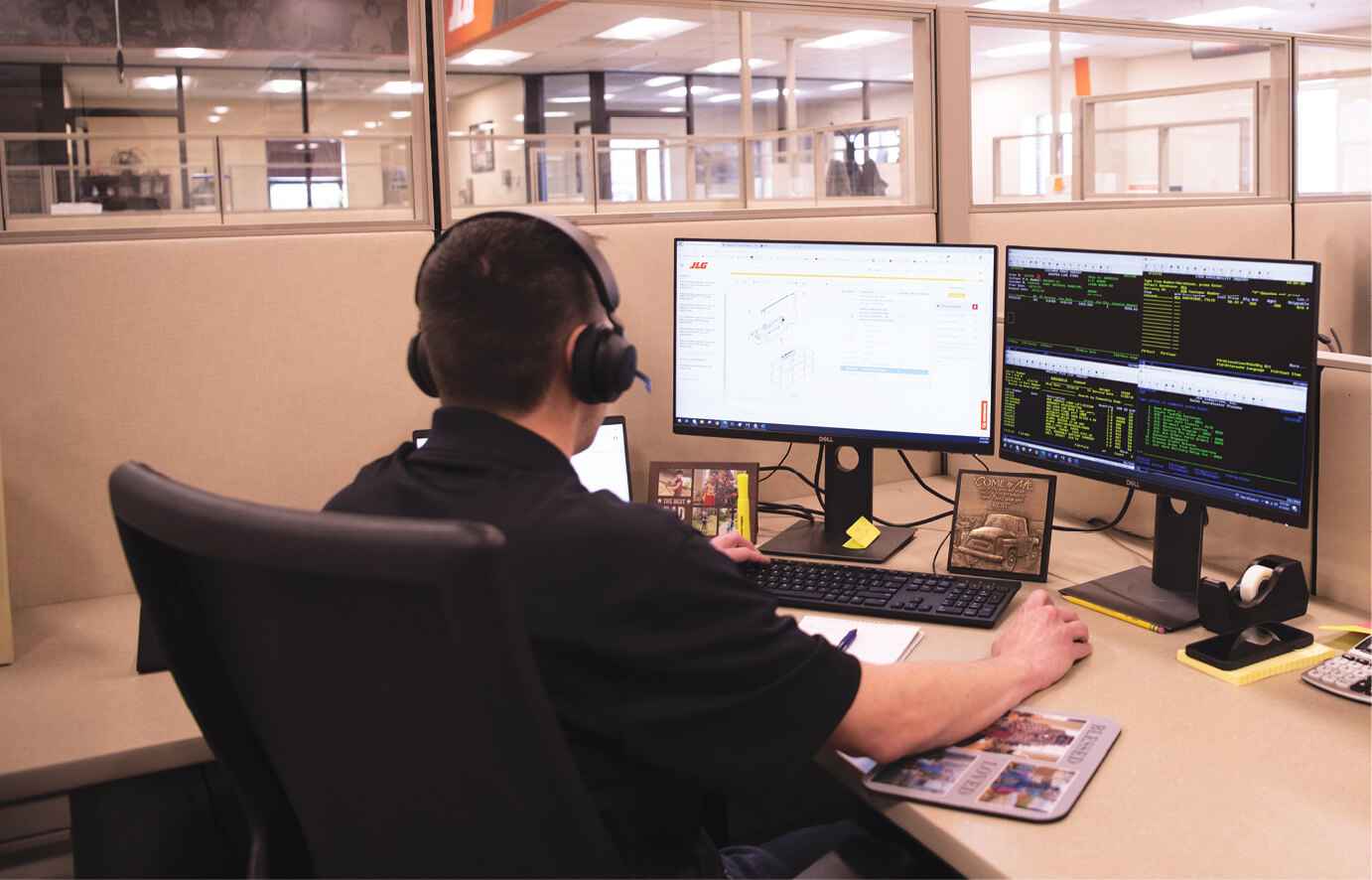
During a Visual Remote Assistant session, the JLG Customer Support team can:
By creating a shared visual reference, technicians can resolve issues more quickly, often reducing the need for additional service visits or prolonged troubleshooting calls.
Supporting Next Gen Technicians
As experienced technicians retire and new technicians enter the workforce, the equipment service industry is evolving. While newer technicians bring valuable digital fluency, they may not yet have extensive hands-on familiarity with specific machine layouts or components.
The Visual Remote Assistant helps bridge that knowledge gap. By providing real-time guidance, it gives less-experienced technicians added confidence when diagnosing and repairing equipment. Instead of relying solely on written instructions or verbal descriptions, they can work alongside technical support experts who guide them directly to the solution.
At the same time, experienced technicians also benefit from the technology. The Visual Remote Assistant helps streamline communication, reduces diagnostic time and improves first-call resolution regardless of a technician’s tenure.
Reducing Downtime
For fleet owners, rental companies and contractors, efficient troubleshooting means equipment returns to service sooner, helping maintain project timelines and maximize equipment utilization.
The Visual Remote Assistant contributes to improved uptime by:
With this technology, the process of diagnosing and correcting equipment failures can become significantly more efficient because both parties are looking at the same thing at the same time. These new capabilities bring real-time visual troubleshooting directly to technicians wherever they’re working.
As service demands continue to evolve, technology can enhance support while helping solve real-world challenges from technician training and efficiency to fleet uptime and operational performance.
Jun 09, 2026

Lift & Access is part of the Catalyst Communications Network publication family.